
A little preparation goes a long way toward making a telehealth visit smooth and productive. Because the clinician cannot examine you in person, what you share and how you set up matter more than in an office visit. Here is how to prepare for a telehealth appointment in 2026 to get the most out of your time.

Check your technology
Before the visit, make sure your device’s camera, microphone, and speakers work, and that your internet connection is stable. Install any required app in advance and log in early so technical issues do not cut into your appointment time.
Find a private, well-lit space
Choose a quiet, private spot with good lighting facing you, so the clinician can see and hear you clearly. Privacy matters for discussing health concerns, and good lighting helps the clinician assess anything visible, such as a rash.
Gather your health information
Have a list of your symptoms, when they started, your medications and doses, allergies, and any relevant measurements like temperature or blood pressure if you have them. This helps the clinician make an accurate assessment without an in-person exam.
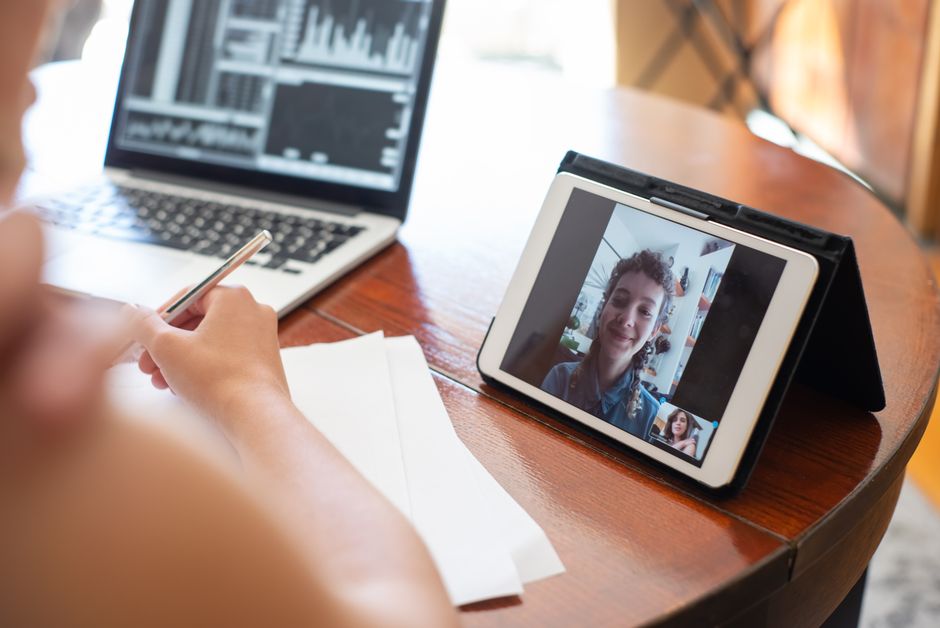
Prepare your questions
Write down the questions you want answered so you do not forget them during the visit. Prioritize your main concern first, in case time is limited, and note anything you want clarified about treatment or next steps.
Know the follow-up plan
At the end, confirm the next steps: any prescriptions, tests, follow-up visits, or signs that mean you should seek in-person care. Knowing how to reach the service afterward with questions helps you stay on track.

How to make your visit go smoothly
Test your tech, set up a private and well-lit space, gather your symptoms and medications, prepare your questions, and confirm the follow-up plan. For general guidance on preparing for and getting the most from virtual care, the federal resource at Telehealth.HHS.gov is reliable, and health information is at MedlinePlus.
Disclaimer
This article is for general informational purposes only and is not medical advice. Telehealth is not a substitute for emergency care; if you have a medical emergency, call 911. Service availability, insurance acceptance, and pricing vary by state and change over time, so verify current details directly with the provider.
Final thoughts
Preparing for a telehealth appointment, your technology, your space, your health details, and your questions, helps the clinician give you the best possible care remotely. A few minutes of setup makes the visit smoother and more useful, so you get clear answers and next steps in 2026.